
Download Tool Time Match – Memory Game, Brain Training, Construction Theme
Overview
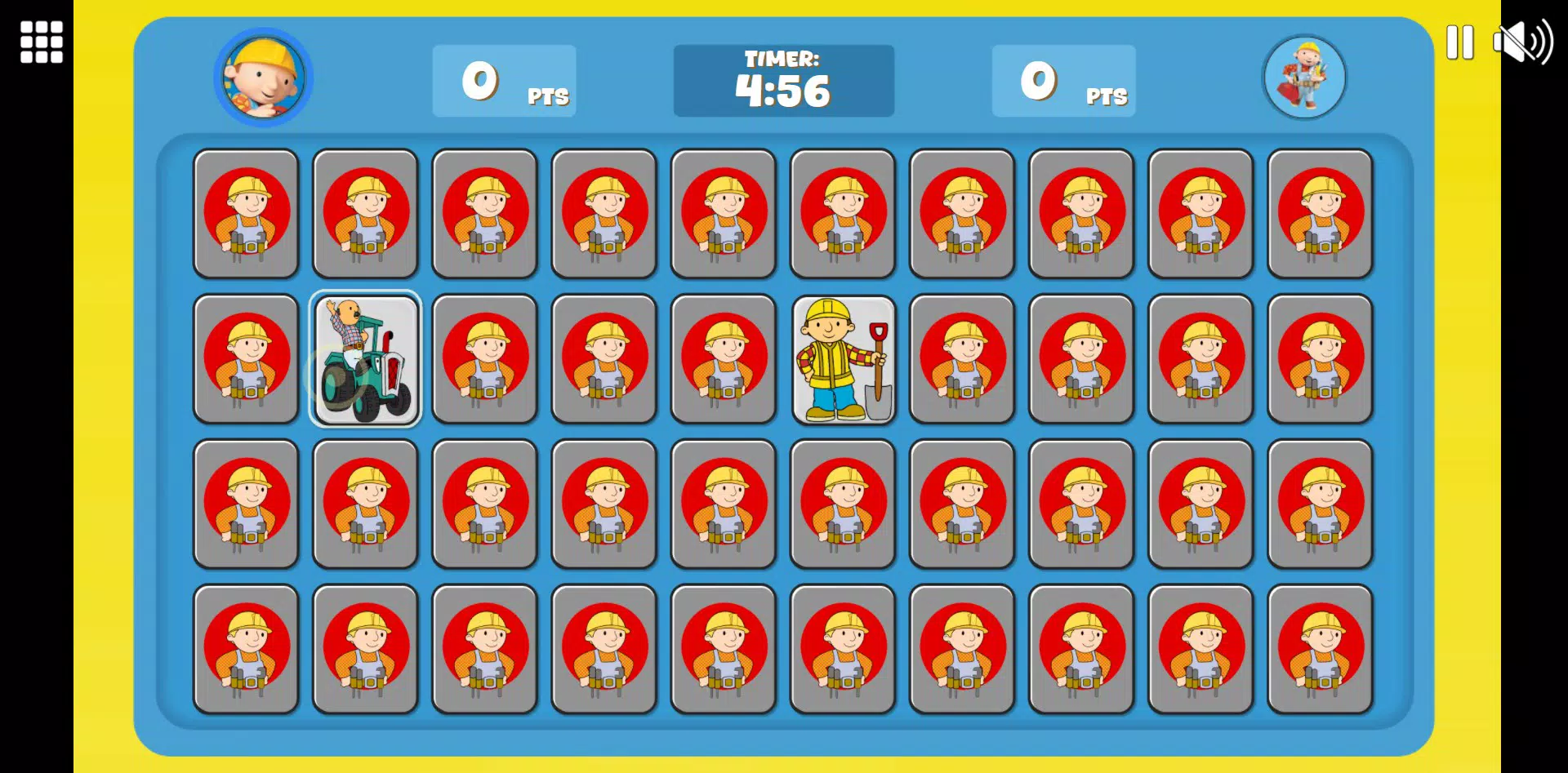
Tool Time Match is a memory-matching mobile game that blends cognitive training with playful construction-themed visuals and sounds. Designed for users seeking a lighthearted yet mentally stimulating experience, the app challenges players to flip cards and find matching pairs, testing their pattern recall, focus, and processing speed. The game’s core purpose lies in transforming memory exercises into an engaging pastime, making brain training accessible and enjoyable for casual players and those interested in mental fitness.
Target users include individuals of all ages who enjoy puzzle games, want to improve concentration, or are looking for a relaxing way to pass time. The app may appeal particularly to adults seeking low-pressure cognitive engagement and younger users drawn to colorful, animated themes. Its construction-themed environment—complete with cheerful characters and playful audio—creates a distinctive atmosphere that differentiates it from generic matching games.
Although the developer did not provide additional background information, the app’s design suggests a focus on user-friendly gameplay and visual appeal. Real-world use cases include daily mental warm-ups, stress relief during breaks, or family-friendly entertainment. In the broader app ecosystem, Tool Time Match contributes to the growing category of casual brain-training tools, offering a simple yet effective way to support cognitive health through gamified learning.
Key Features & Functionality
- Engaging Memory Challenges: The game offers multiple levels that vary in complexity, introducing new dynamics as players progress. Each level tests different aspects of memory, such as visual recognition and short-term recall, encouraging continuous mental engagement.
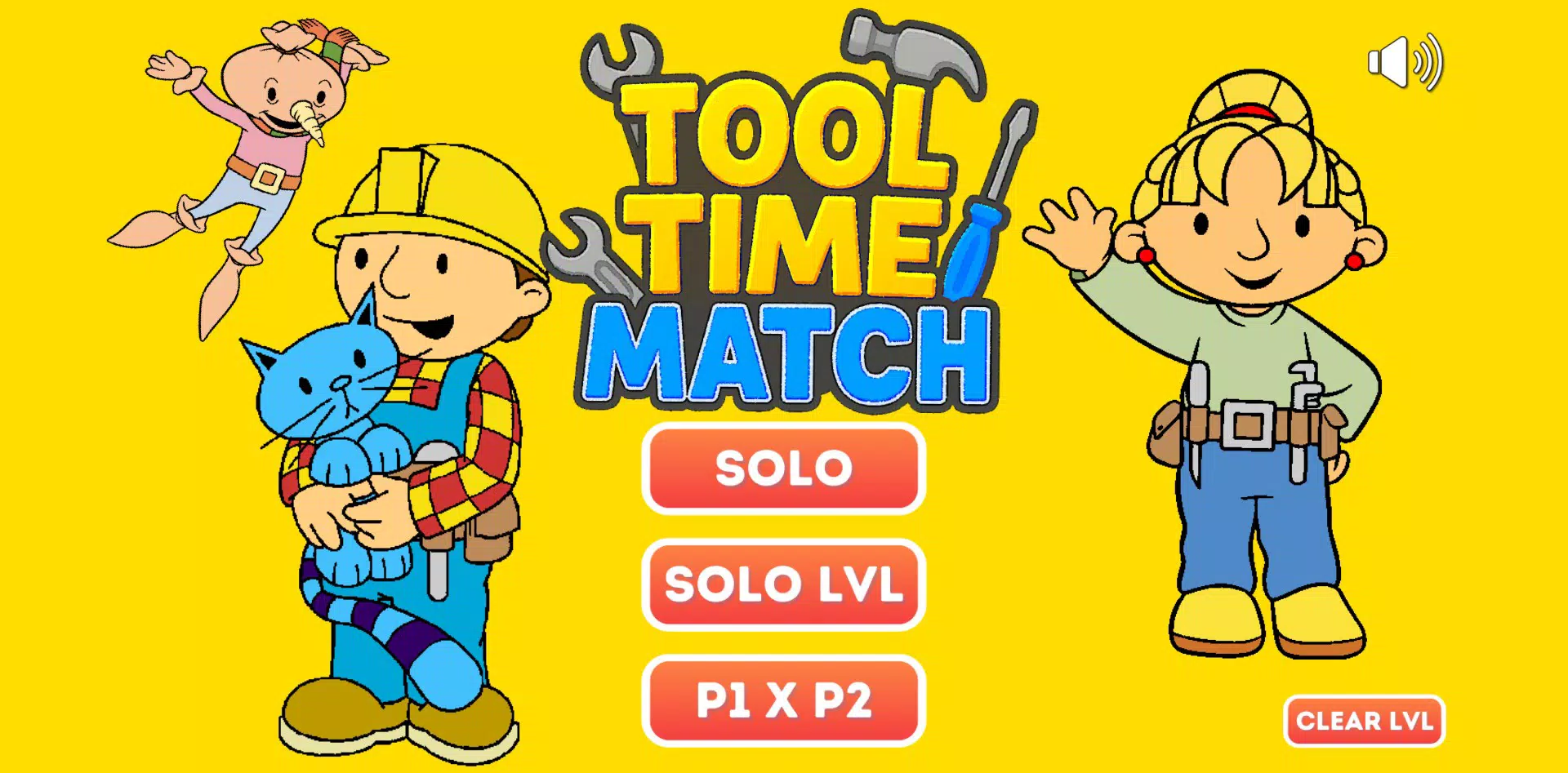
- Colorful Visuals: Vibrant graphics and detailed card designs create an inviting and cheerful atmosphere. The construction-themed visuals, including tools and animated characters, enhance immersion and make each session visually rewarding.
- Charming Sound Effects: Playful audio cues accompany card flips and matches, reinforcing successful actions with satisfying feedback. The sound design aligns with the construction theme, contributing to a cohesive and enjoyable sensory experience.
- Friendly Construction Characters: Throughout the game, players encounter cheerful characters that serve as visual highlights and narrative elements. These characters add personality to the gameplay, making the experience more memorable and emotionally engaging.
- Brain Training Made Fun: By combining challenge with entertainment, Tool Time Match ensures that cognitive development feels effortless. The game avoids the monotony often associated with training apps, turning each session into a moment of enjoyment rather than obligation.
For example, a user might play a level with timed rounds to improve reaction speed, or complete a themed stage where matching tools unlocks a new character. These scenarios demonstrate how the app supports both skill-building and emotional satisfaction.
Interface, UX & Performance
The user interface of Tool Time Match is designed with simplicity and clarity in mind. Card layouts are evenly spaced, with intuitive touch controls that respond immediately to player input. Navigation between levels and settings is straightforward, minimizing friction during gameplay. The visual style leans toward a bright, cartoonish aesthetic, which enhances accessibility and appeal across age groups.
Although the developer did not list formal performance metrics, the app appears optimized for smooth operation across a range of devices. The animations are fluid, and transitions between game states are responsive, indicating attention to user experience. Stability during extended play sessions has not been reported, but the absence of known issues suggests consistent performance.
Users can expect consistent responsiveness regardless of device category, though specific hardware requirements were not disclosed. The game’s lightweight design likely contributes to efficient memory usage and fast load times. Overall, the UX prioritizes ease of use, making it suitable for both experienced mobile gamers and first-time users of memory games.
Platform Compatibility & Technical Requirements
Tool Time Match is available on Android and iOS platforms, supporting the latest versions of both operating systems. The app’s file size is 78.2 MB, indicating a moderate footprint suitable for most modern smartphones. The software version is 1.0.0, released on May 12, 2025.
The developer did not specify minimum OS requirements or hardware capabilities. Compatibility with older devices or specific models was not confirmed. Users are advised to ensure their device meets the standard requirements for running current mobile applications. No additional permissions were listed in the provided information.
Pros and Cons
Pros
- Engaging construction-themed visuals that enhance player immersion
- Playful sound design that complements the game’s cheerful tone
- Simple, intuitive interface suitable for all age groups
- Memory challenges that evolve with gameplay, preventing repetition
- Lightweight app size, ideal for devices with limited storage
Cons
- Specific performance metrics or device compatibility details were not provided
- No information on in-app purchases or advertisements
- Developer background and support channels were not disclosed
- Limited details on accessibility features for users with visual or motor impairments
- Update frequency or future content plans were not specified
FAQ
Is Tool Time Match safe to download?
Yes, the app is available through official app stores and does not require third-party sources. It is designed to be secure for users of all ages.
Can I play Tool Time Match without an internet connection?
Yes, the game functions offline, allowing users to enjoy memory challenges anytime, anywhere.
Does Tool Time Match contain ads or in-app purchases?
The developer did not disclose information about ads or in-app purchases. Users should check the app store listing for updated details.
How often is Tool Time Match updated?
Specific update frequency was not provided. Users are encouraged to enable auto-updates to ensure they have the latest version.
Is Tool Time Match suitable for children?
Yes, the app’s cheerful visuals, simple mechanics, and family-friendly theme make it appropriate for children. However, parental supervision is recommended for younger users.
Final Thoughts
Tool Time Match delivers a refreshing take on the classic memory-matching genre by combining cognitive challenges with a vibrant construction theme. Its charming visuals, satisfying audio cues, and evolving gameplay ensure that each session feels both fun and purposeful. While detailed technical and support information is limited, the app’s clean interface and lightweight design make it accessible and enjoyable across various devices.
It stands out as a strong choice for users seeking a casual yet effective way to train their memory. Whether used as a daily mental exercise or a relaxing break between tasks, Tool Time Match offers meaningful engagement without complexity. For those looking to enhance focus and recall through play, this app presents a compelling option.
Download Tool Time Match now


